
Mirage
Live video for iPhone and iPad.
Download on the App Store OBS Studio
ScenesCamera
SourcesMirage · NDI®
Audio Mixer
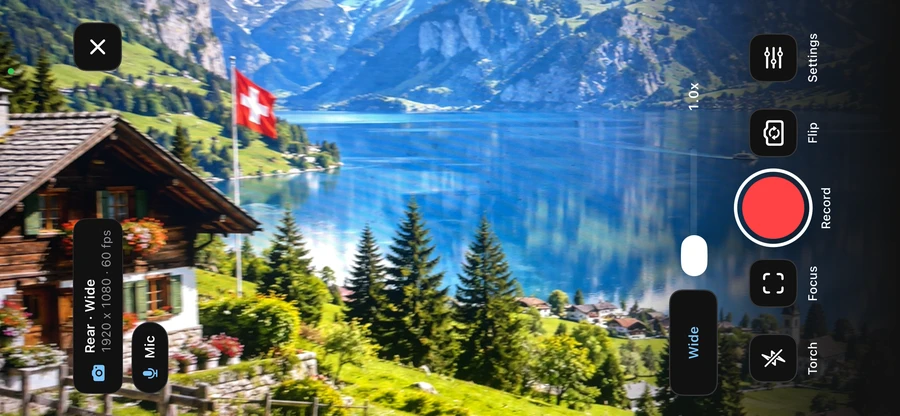
Turn your iPhone into a live camera.
Send video and mic audio to OBS over your local network, or open it in any browser. You can also send it to another iPhone or iPad, or record it.
Mirage shows up in OBS as an NDI® source. Add it with an NDI receiver plugin.
Camera setupSee Camera in Mirage
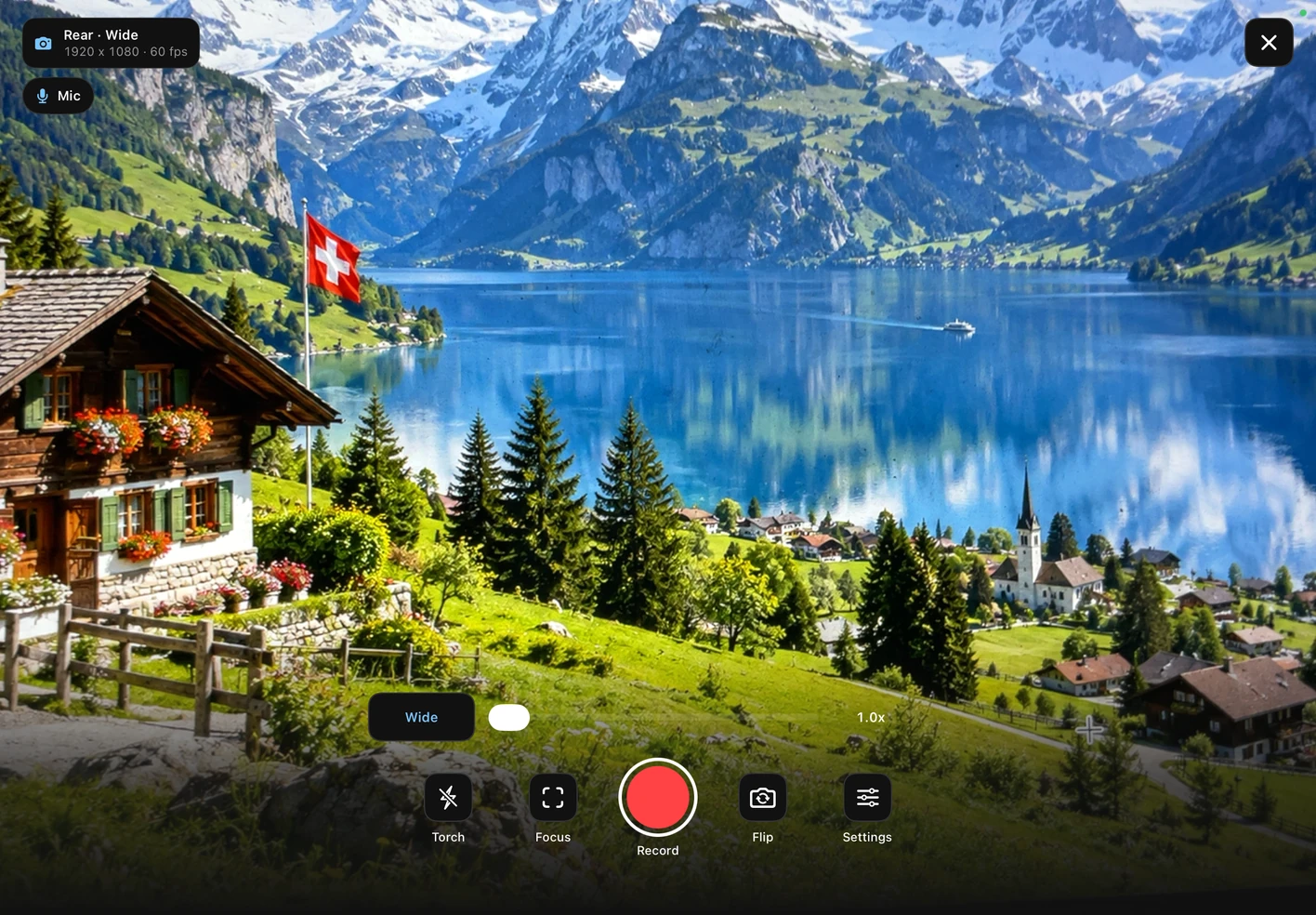
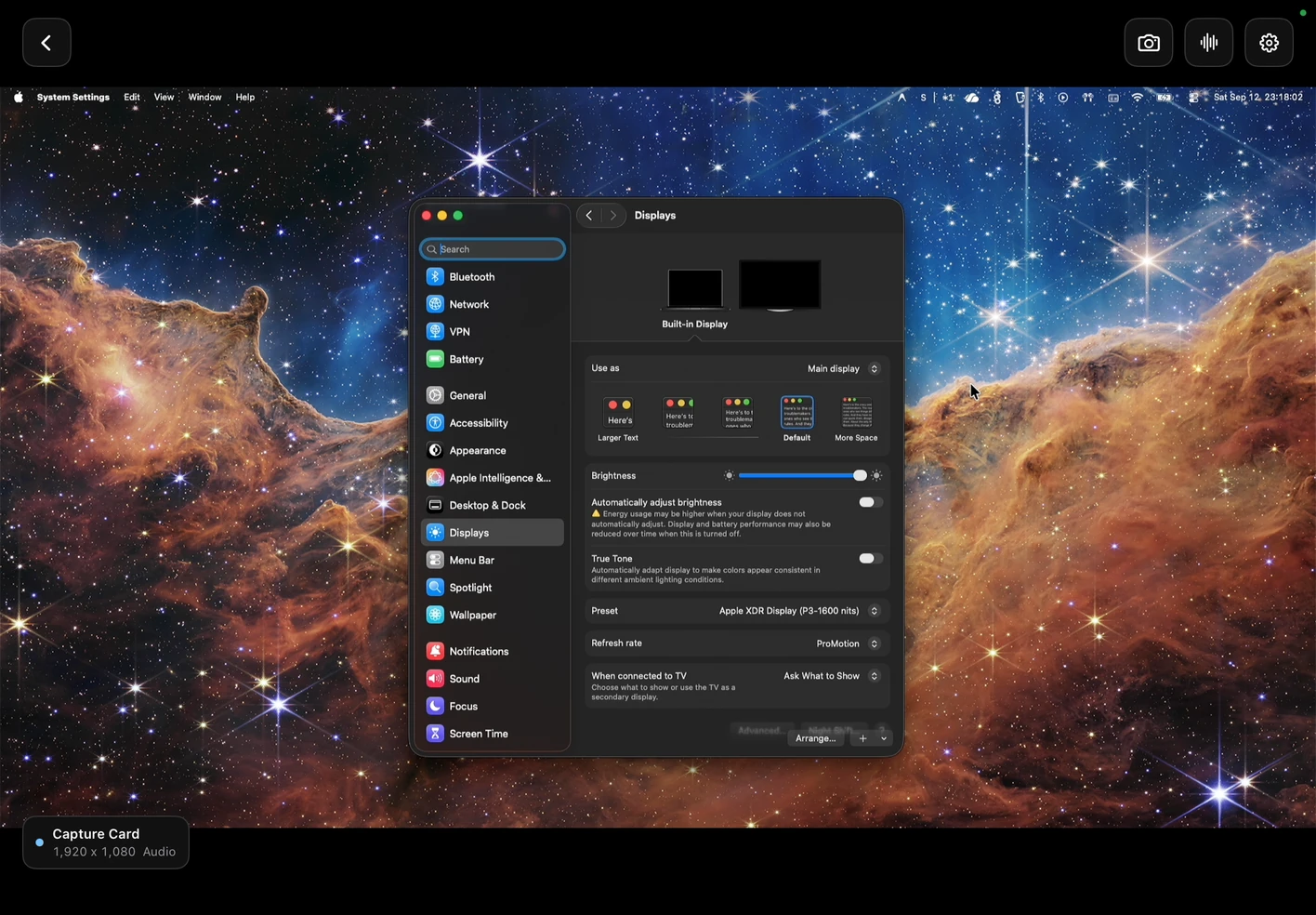
Turn your iPad into a capture monitor.
Plug in a UVC capture card and see your camera, console, or computer live. Check exposure and focus with false color, zebras, and focus peaking.
Listen to source audio, take screenshots, or broadcast the clean feed to another Mirage device.
Capture card compatibility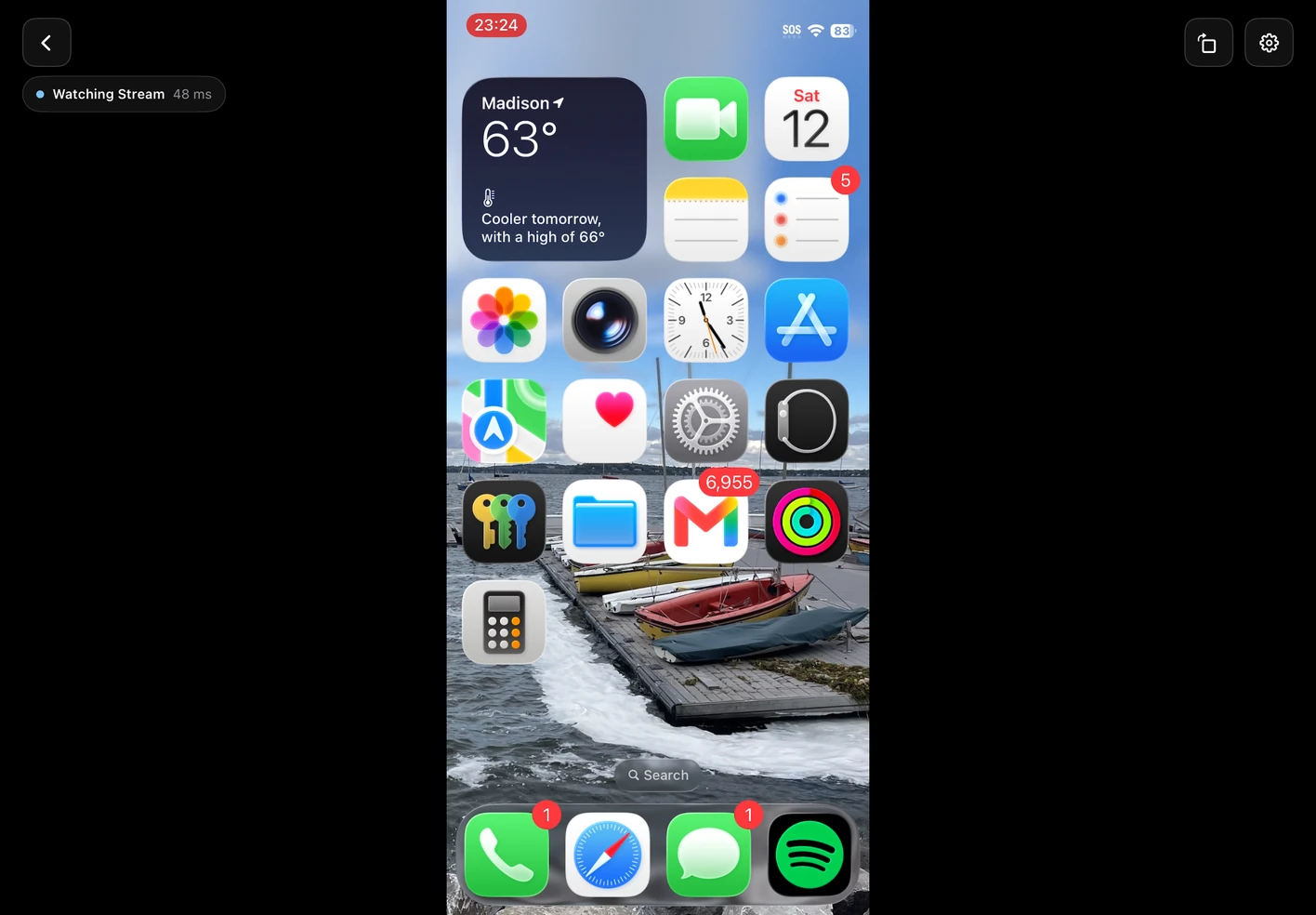
Share your screen to another device.
Demo an app or walk someone through a task. Start Screen Share on one device, then open Watch on another and enter the six-digit code.
Watch also receives Camera and capture-card broadcasts. Both devices connect over your local network.
Screen Share & Watch setup